Suzuki Radio Code Finder – All Models (Updated for 2026)
Suzuki Radio Code Lookup (Swift, Vitara, Jimny, SX4 & All Models)
 |
 |
 |
 |
Hello Valued Suzuki Owners,
Is your Suzuki radio or navigation screen (Swift, Vitara, Jimny, SX4, Splash, or Alto) locked after a battery change? If you see “Code”, “Enter Code”, “LOCKED”, or “Please enter security PIN” on the screen, your device’s anti-theft security system has been activated. Suzuki vehicles use two different security systems, and the way you find your code depends on which one you have:
Which System Do I Have?
🎵 Classic Radio (Bosch/Blaupunkt)
The screen only shows “CODE”, no PIN boxes appear. You’ll need to remove the radio and read the 11-digit serial number printed on it. See below →
🧭 SLN Navigation Screen
The screen shows “Please enter security PIN” with 4 empty boxes. Nothing needs to be removed — your vehicle’s VIN is all you need. See below →
Once you know which system you have, you can get your code in seconds using our Online Suzuki Radio Code Lookup Tool at the bottom of the page — it automatically detects both formats.
🧭 For SLN Navigation Systems: The “Please Enter Security PIN” Screen
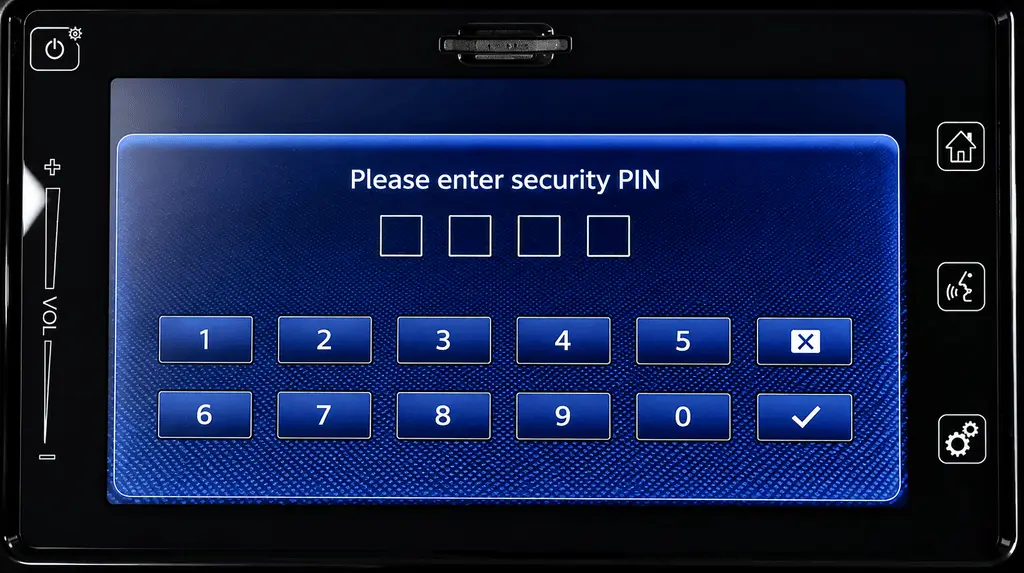
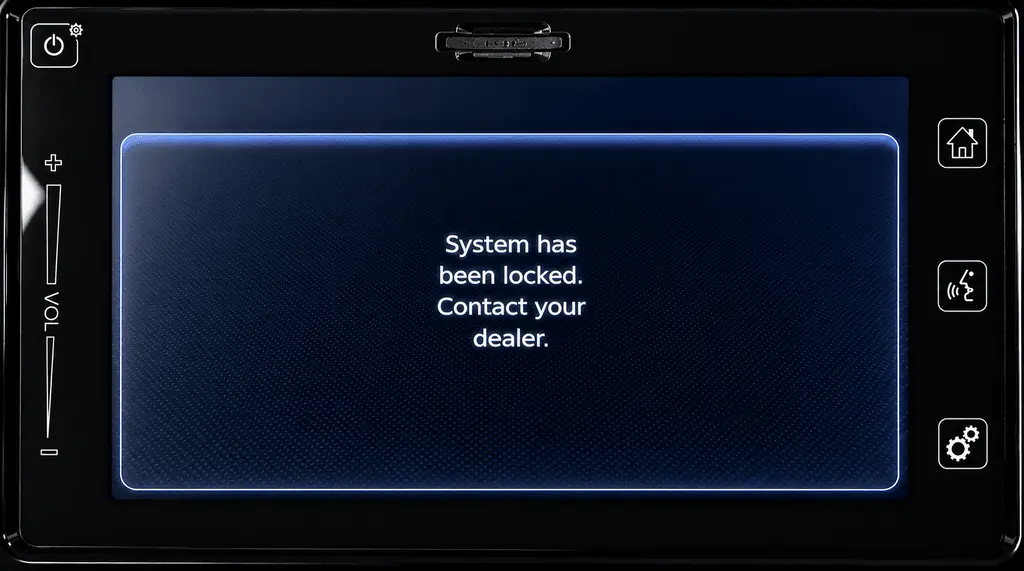
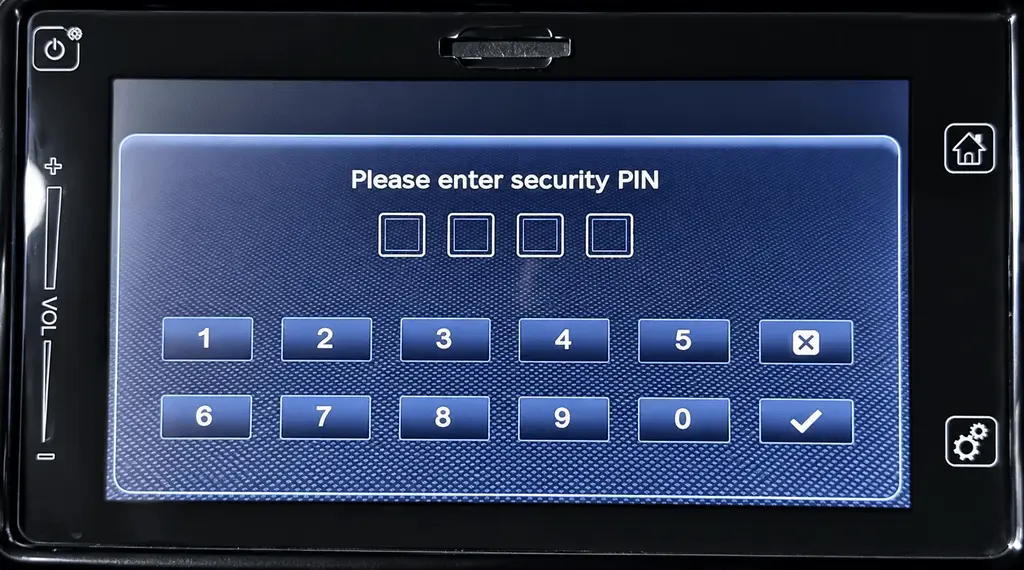
If your screen looks like this “Please enter security PIN” prompt, follow the steps below.
Where Can I Find My VIN?
- On the metal plate visible through the bottom-left corner of the windshield.
- On your vehicle registration document, under “VIN” or “Chassis No”.
- On the label visible when you open the driver’s door.
- Note: A VIN is always 17 characters long and never contains the letters I, O, or Q.
Enter your full 17-character VIN into our online tool below; our system will automatically calculate the 4-digit code you need to type into your screen.
Supported Suzuki Radio & Navigation Systems
Our online calculation program automatically detects and supports the following formats:
- ✅ 11-Digit Bosch Series: (Starting with 3062, 3063, 3064, 4061)
- ✅ 17-Digit SLN / Navigation Series: using the Vehicle VIN
- ✅ Compatible Models: Swift, Vitara, SX4, Jimny, Alto, and more.
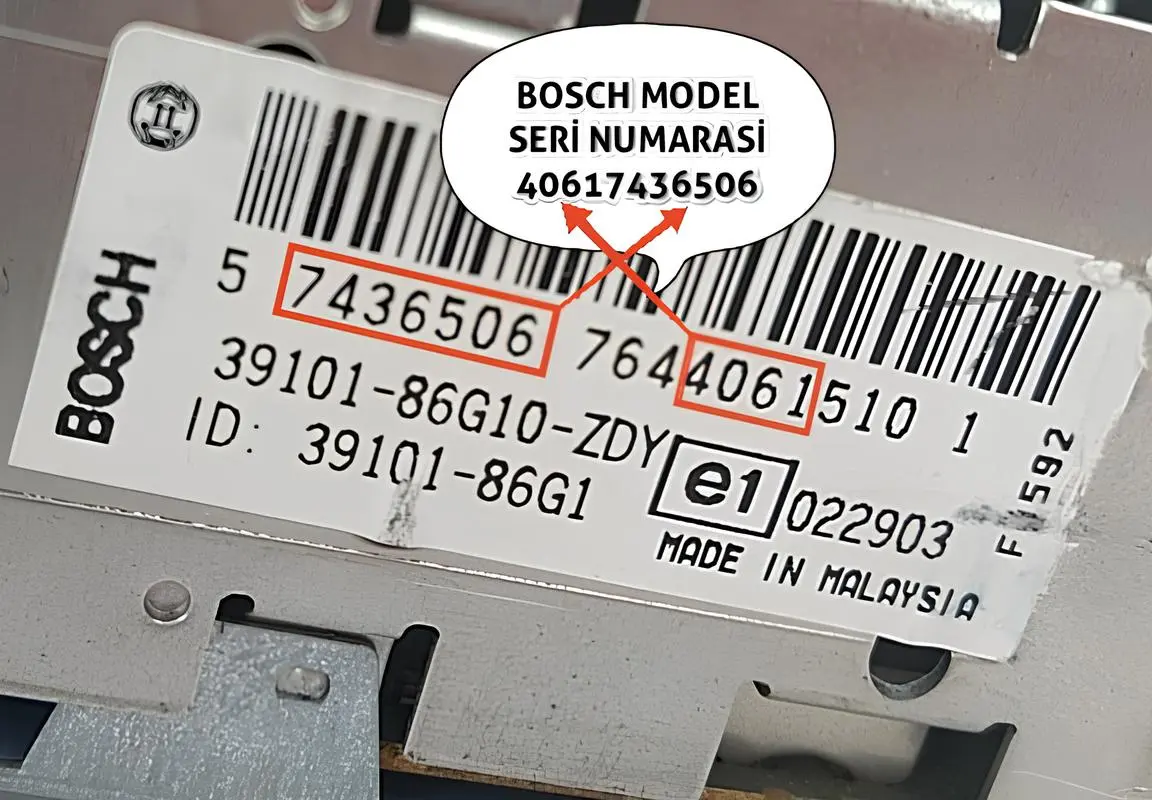
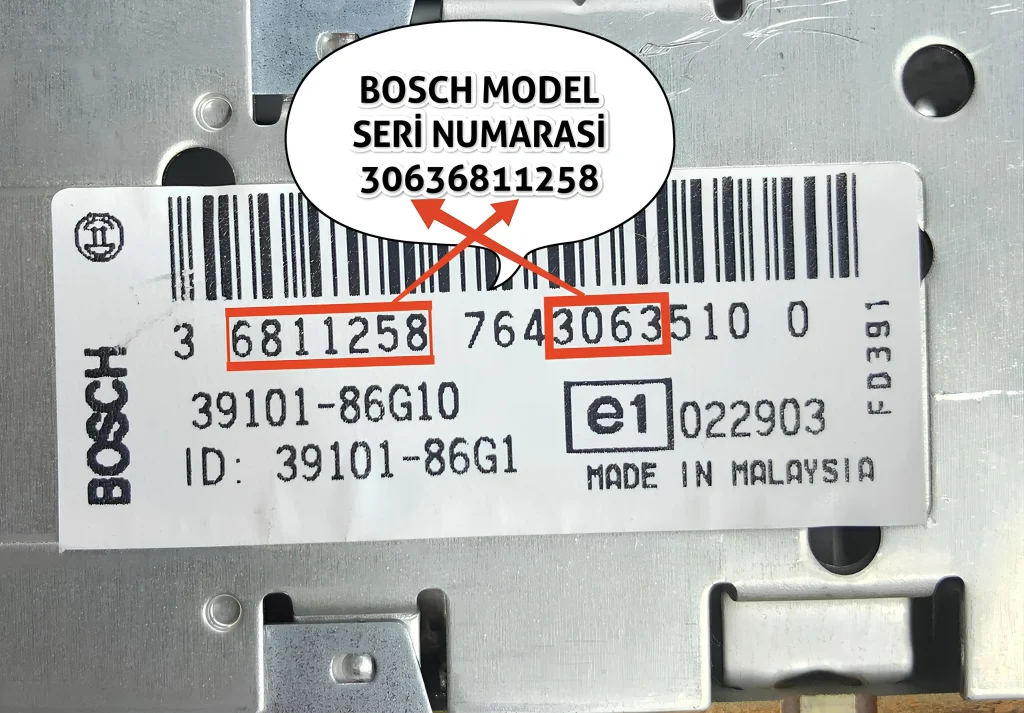
For Classic Radios: Suzuki Bosch Serial Number Examples (11 Digits)
On Suzuki devices, the serial number consists of a combination of different numeric groups on the label. Please enter **only the numbers**.
Important: You Will Need to Remove the Radio
- On classic Bosch/Blaupunkt radios, the serial number cannot be displayed on the screen. You must remove the unit.
- Locate the white label on the side or top of the radio after pulling the unit forward.
- Note: Please do not enter the number starting with “BP”. Only enter the 11-digit numeric group highlighted in the example images below.
**How to Enter?** Enter the 11-digit format shown in the images below (e.g., 40617436506 or 30636811258). Ensure you enter them without the “BP” prefix.